Reliving 8-Bit Glory: Your Guide to NES Apps on iPhone
Bringing Back the 8-Bit Magic: NES Gaming on Your iPhone
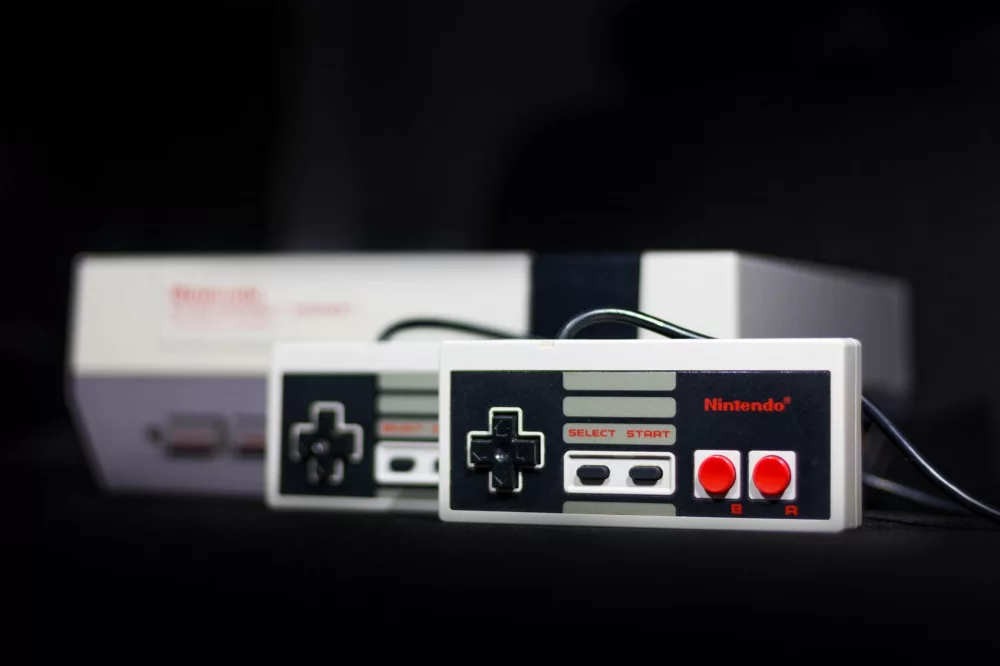
Remember those simpler times? The iconic red and white console, the unmistakable 8-bit chiptunes, and the sheer joy of blowing into a cartridge to make it work? For many of us, the Nintendo Entertainment System, or NES, wasn't just a gaming console; it was a cornerstone of our childhoods. Those classic games hold a special place in our hearts, and if you're anything like me, you've probably wished you could easily revisit those adventures whenever and wherever you wanted. Well, guess what? Your iPhone, that sleek device in your pocket, is surprisingly capable of becoming a portable NES machine. I'm going to walk you through how we can make that happen, exploring the options, challenges, and everything in between.
We're living in an age where our phones are incredibly powerful, basically tiny computers. It makes perfect sense to want to leverage that power for a bit of retro fun. Playing NES games on your iPhone isn't just about nostalgia; it’s about convenience. Imagine having access to Contra, Super Mario Bros., The Legend of Zelda, and countless other gems right there, always available. It's pretty cool, if you ask me.
Why iPhone for NES Gaming? The Allure of Portability
So, why bother bringing NES to your iPhone specifically? I think it boils down to a few key points:
- Ultimate Portability: Your iPhone is always with you. There's no need to carry an extra device or set up a console. A quick five-minute break can become a quick five-minute dive into Hyrule.
- Crisp Displays: Modern iPhone screens, with their high resolutions and vibrant colors, can make those pixelated classics look surprisingly good. Sometimes even better than you remember them on an old CRT!
- Touch Controls (and External Controllers): While touch controls aren't always ideal for every game, they work well enough for many. Plus, I'll explain how connecting a physical controller can totally transform your experience.
- Save States: This is a big one. Unlike the original NES, where you might have needed a password or had no save option at all, emulators typically offer save states. You can pause your game anywhere, anytime, and pick up right where you left off. How great is that?
Navigating the App Store: A Tricky Landscape
Now, here's where things get a little complicated. If you've ever searched the Apple App Store directly for
About Editorial Team
Senior columnist and culture critic specializing in architectural designs, emerging high-growth systems, and contemporary philosophies.